Teaching QuickCap to Take Dictation
Speak-to-Score is in beta: call out plays on the pool deck and QuickCap logs them. Here's why that's a genuinely hard problem, and how it's going.
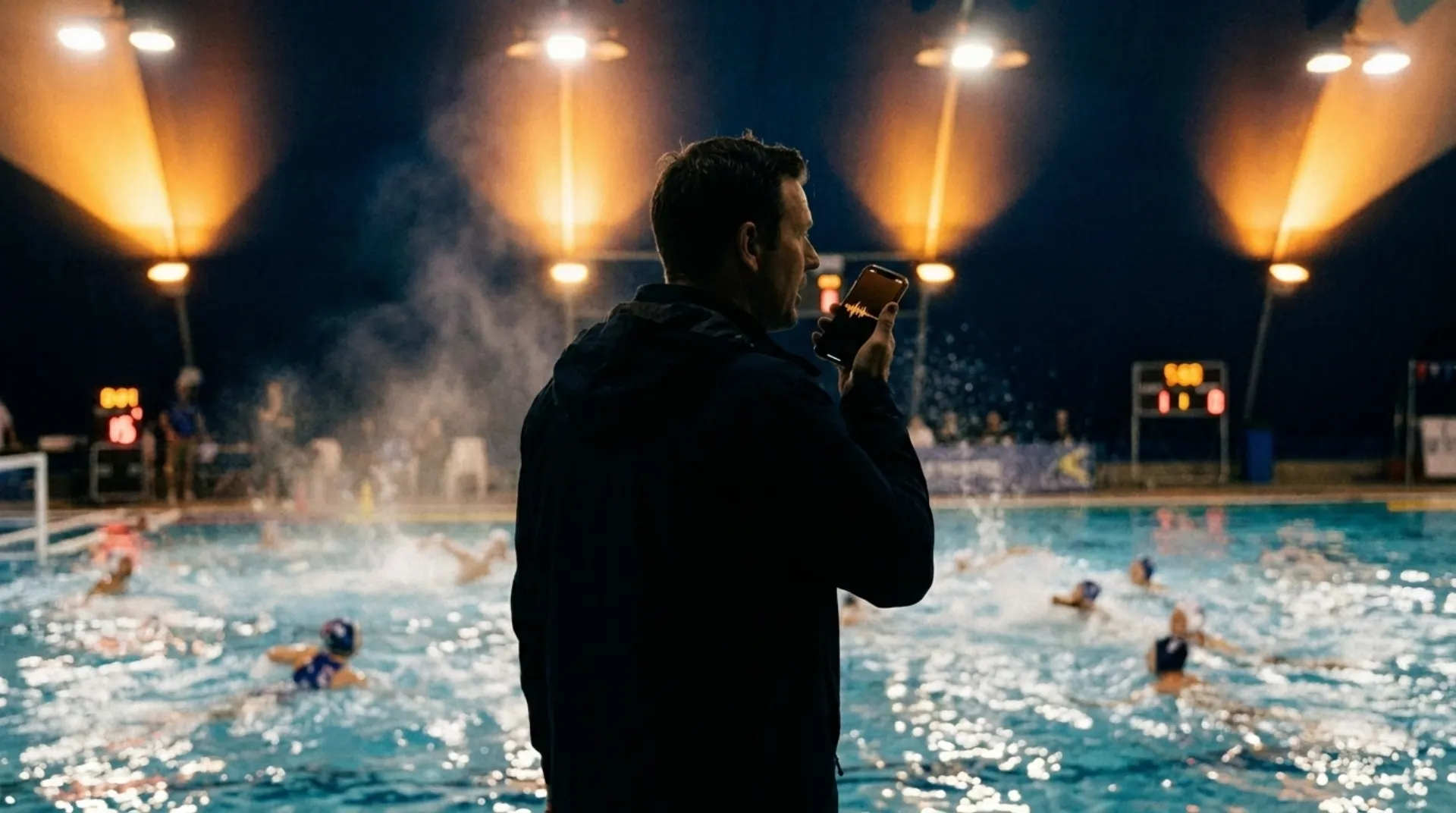
Scorekeeping at a water polo game is a two-hands job being done by a person who only has two hands. The ball moves, the whistle blows, a goal, an assist, an exclusion, a sprint, and the scorekeeper is supposed to capture all of it on a screen while the next play is already developing. Sometimes the screen is wet. Sometimes the scorer is also somebody’s mom, watching the game she’s scoring.
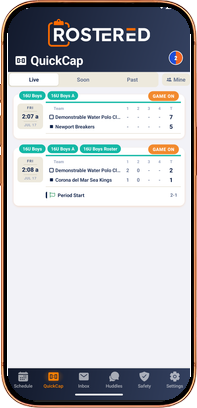
That’s why we’re building Speak-to-Score. Say the play out loud, “goal, white seven, assist from two,” and QuickCap fills out the game event sheet for you. You glance at what it heard, fix anything it got wrong, and approve it, or dismiss it if it misheard the moment entirely. Nothing lands in the game record without your okay. Eyes stay on the pool. Hands stay mostly free.
It’s in beta right now, and we want to be straight with you about what beta means, because we think the honest version of this story is more interesting than the polished one.
The #12 problem
Speech recognition is the easy part. The hard part is what humans do without noticing: context.
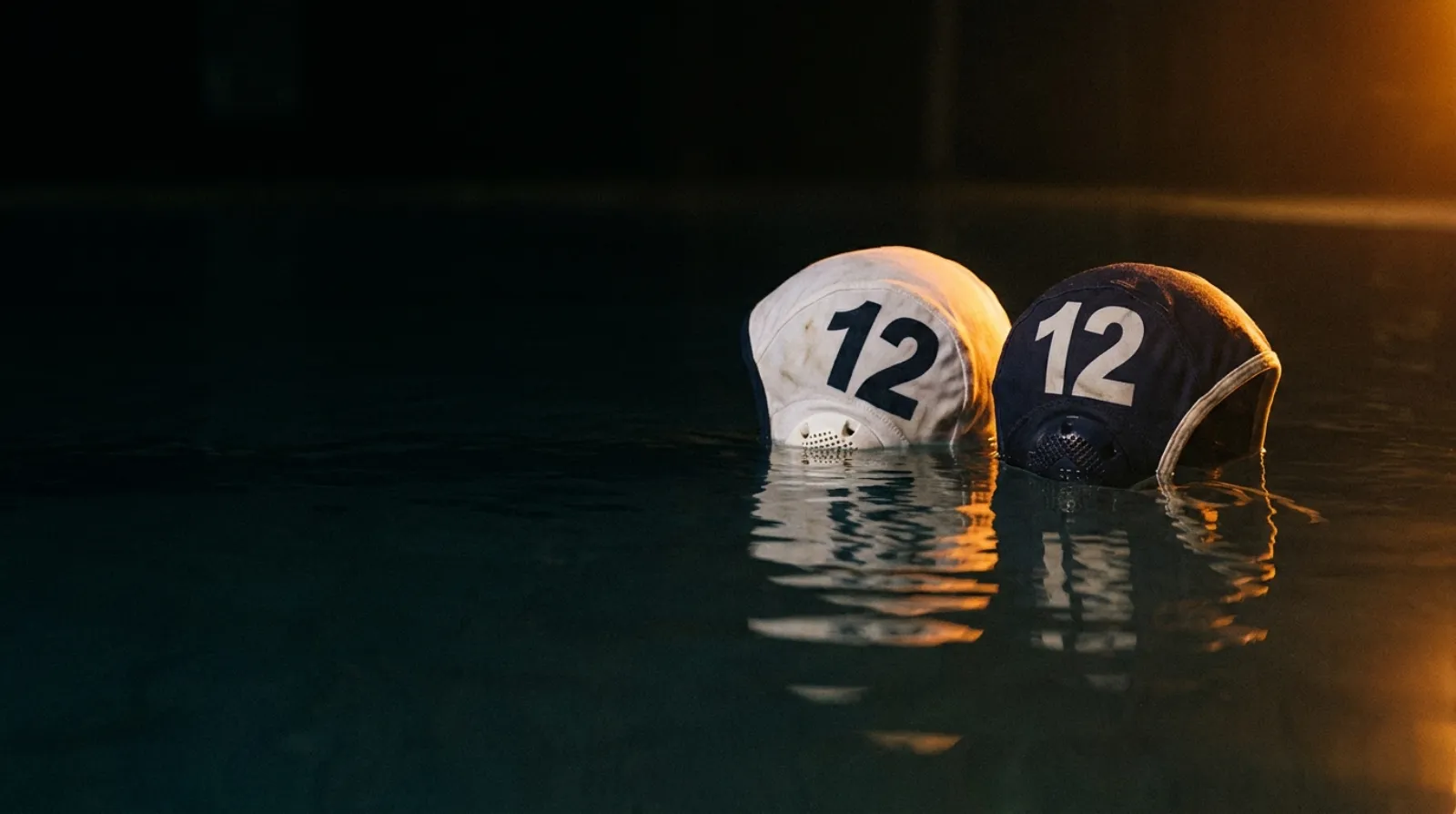
Say “#12 scored” at a real game and there’s a decent chance both teams have a #12 in the water. A human scorekeeper doesn’t even register the ambiguity. She knows dark had possession. She knows the play was happening at the far end. She knows white’s #12 got subbed out two minutes ago. The sentence “#12 scored” is ambiguous; the game isn’t, if you’ve been paying attention to it.
So that’s the actual project: not teaching software to hear words, but teaching it to pay attention to the game the way a person on the deck does. Which team has the ball. Which end the play is at. Who’s actually in the water right now. When QuickCap gets that context right, “#12 scored” lands on the right athlete without anyone spelling it out. When it doesn’t, you fix the event sheet before approving it, and it gets a little less wrong the next time.
It’s learning your nicknames too
Here’s the part we didn’t expect to like this much. Nobody on a pool deck actually says “number twelve, dark team.” They say “goal by Moose.” So Speak-to-Score learns the nicknames your club really uses. Call your center Moose enough times and QuickCap knows who Moose is, and the plays you call in your team’s own language land on the right athlete’s stat line.
We’re not going to lay out the whole recipe here, partly because it’s still changing weekly, and partly because we think this is the most interesting problem in sports scorekeeping and we’d like to keep our head start.
What beta means in practice
If your club turns on Speak-to-Score, here’s the honest deal:
- It will get plays right, and it will get plays wrong. Ambiguous cap numbers are exactly where it still struggles.
- You’re always the editor. Dictation fills out the event sheet; you review it, fix it, and approve or dismiss it. Voice never writes to the game record on its own.
- The regular tap interface is always there. Voice is a layer on top of QuickCap, not a replacement for it, so a missed call is a correction, not a lost play.
- Clubs can switch it on in club settings, and every real game it hears makes the training better.
Water polo clubs willing to live with those rough edges are exactly who we want using it now. The clubs scoring real games in the beta are the reason it improves.
Why we’re telling you this early
We could have waited until it was flawless and announced it with a highlight reel. But we’re a company that keeps saying families should be able to trust what the system tells them, and that has to apply to us too. Speak-to-Score is real, it’s promising, it’s in beta, and it isn’t finished. That’s the truthful sentence, so that’s the one on the label.
QuickCap is Rostered’s water-polo-native live scoring. See what it does today, including the parts that aren’t in beta.