For school athletic departments
Rostered for School Athletic Departments
See every sport’s calendar, roster, and to-do list in one place. Rostered gives athletic directors one account for the whole department.
Your whole athletic department, in one place
You’re running a dozen programs, and each one probably has its own app, its own spreadsheet, and its own way of doing things. You’re the one person who needs to see all of them at once. Rostered gives you that.
Your department is one account, and each sport is a club inside it. As the athletic director, you’re an admin of every sport automatically, including the one you add next week. You don’t have to wait for anyone to invite you.
01
Every sport’s calendar on one screen
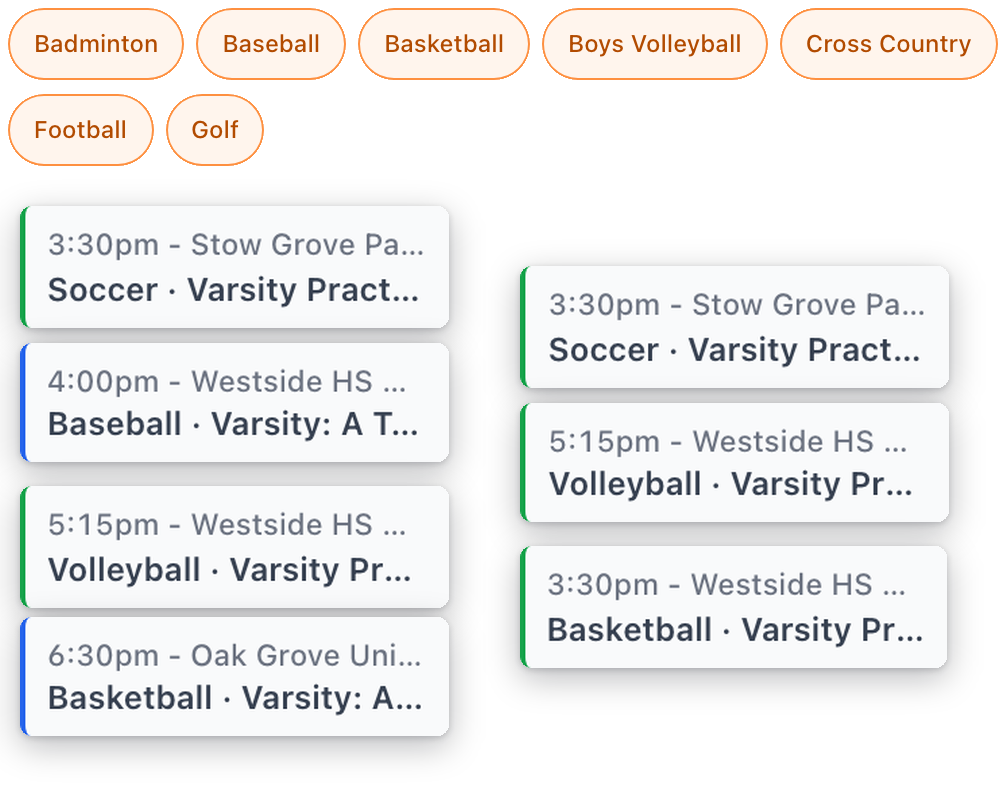
See every practice, game, tournament, and meeting across the whole department on one calendar. Narrow it to the sports or kinds of events you care about, or look at everything at once. It remembers the way you like it. When football moves a game, you see it right away, next to everything else that’s happening that day, instead of hearing about it from a coach.
Need to send part of a sport’s schedule to someone at school? Share a link to just the dates and teams they need. They sign in to Rostered and see that part, and nothing they couldn’t already see. Families and coaches can add their own schedules to the calendar app they already use, so they stay up to date without you resending anything.
There’s more on this in athletic scheduling software.
02
See which sport needs you today
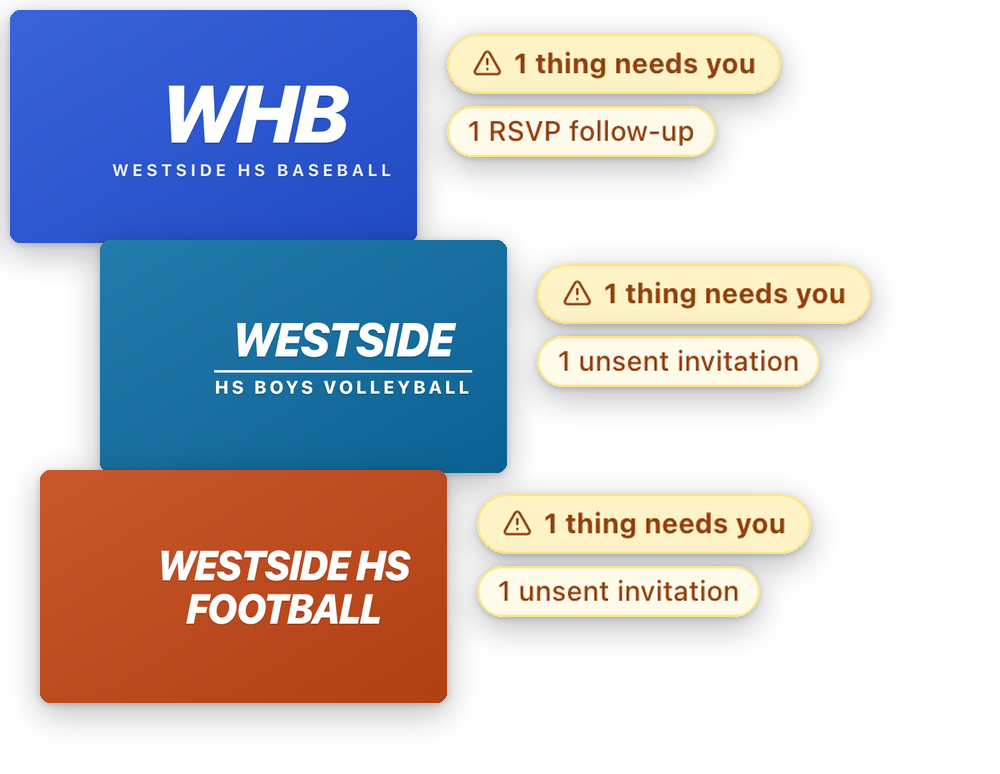
When you sign in, you’ll see every sport on one screen, with a count of your admins, divisions, teams, and athletes. Each sport also shows what’s waiting on someone: a signup to approve, an invitation that hasn’t gone out, a volunteer request, or families who haven’t answered an RSVP. So you can tell at a glance where to start, without opening eleven sports to find out.
03
Set each sport up once
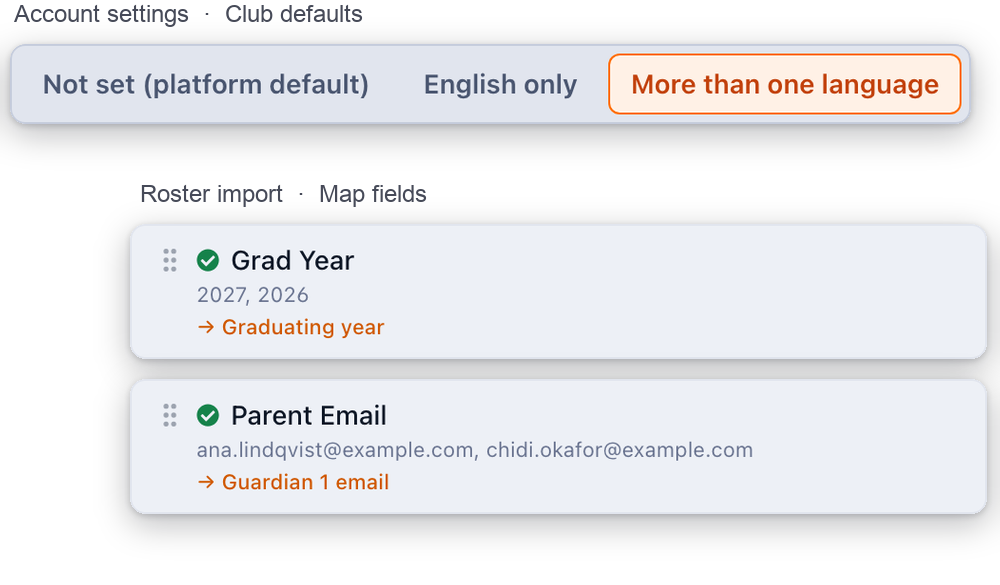
You set your department’s defaults once, like the languages you send in and the features you want turned on, and every new sport starts with them. Bring your athletes in with the roster export you already have. Rostered matches your columns, and you review the families before anything is saved. Graduating year comes in with the import, so your class years are right from day one. You write your releases and agreements once, families sign them in the app, and you can see exactly who still owes which form in each sport.
Then next year is easy. Each new season starts from the last one, with the same divisions, every class moved up a year, and your coaches ready to carry over.
There’s more on this in athletic management software.
04
Reach every family and coach, in one message
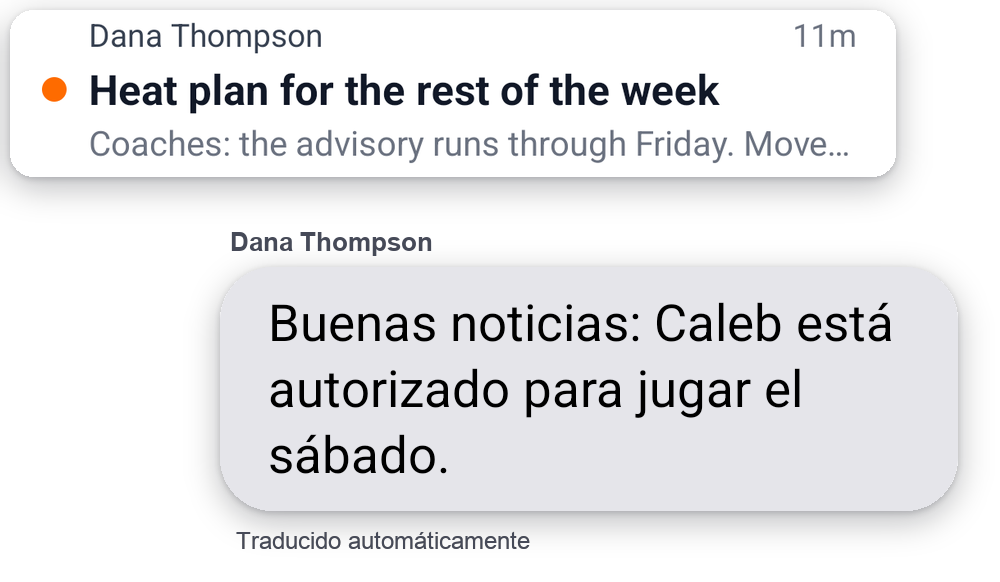
Write once and send it to the sports and people you pick: families, coaches, or every staff member in those sports. It goes out in the languages your families read, and each sport keeps a copy of what was sent. When a game’s time, location, or opponent changes, Rostered emails that team’s families for you.
05
Run contest day without the scramble
Post the jobs you need covered, like the gate, the clock, the book, and concessions, and families sign up for them. They get a reminder before their shift, and you’ll see how many spots are still open before the day, not at four o’clock.
06
Plan scrimmage days on one board
For a preseason day with other schools, plan the whole thing on one board: round robin pools, locations, times, and referees. Drag games into time slots, and Rostered warns you about double-booked teams and when there isn’t enough time to get from one location to another. Ask, and it suggests the best open slot for a game, or it can fill in the best schedule it can for the whole day for you to adjust. Scrimmage scores are kept, but they don’t count toward your season record or your athletes’ stats. And when an invitational takes Varsity, JV, and Frosh together, you set it up once for the whole program.
There’s more on this in Scrimmage Day.
What you see across every sport
Some things only matter when you can see every sport together. Rostered gives you one list for each of them:
-
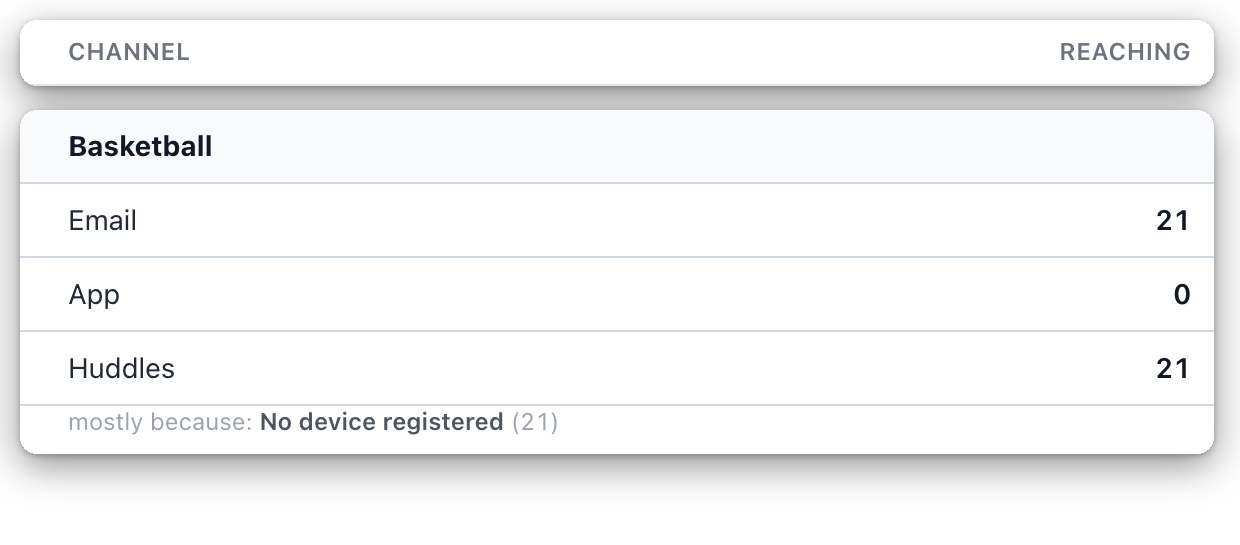
Whether you can actually reach your families, sport by sport and channel by channel.
-
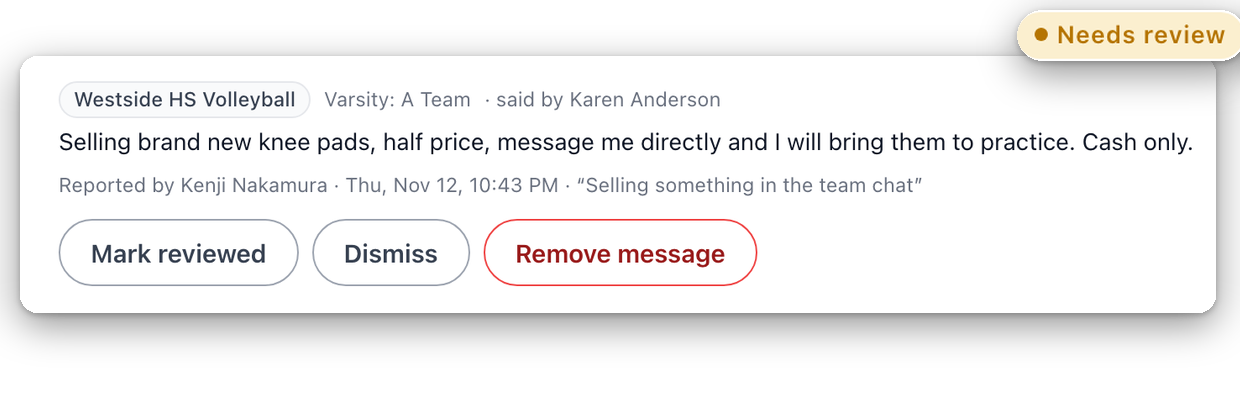
Chat messages that members have flagged, with the sport named on each one.
-
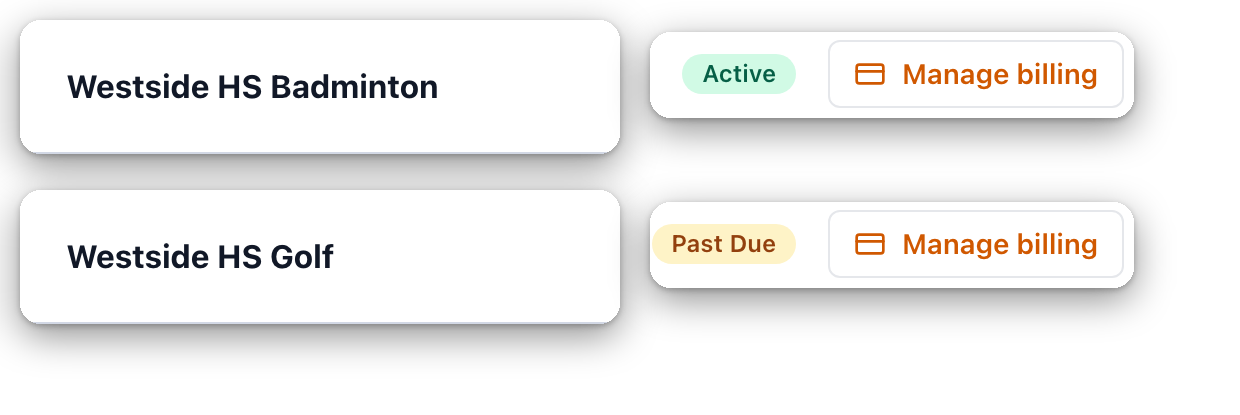
Billing for every sport, in one place.
-
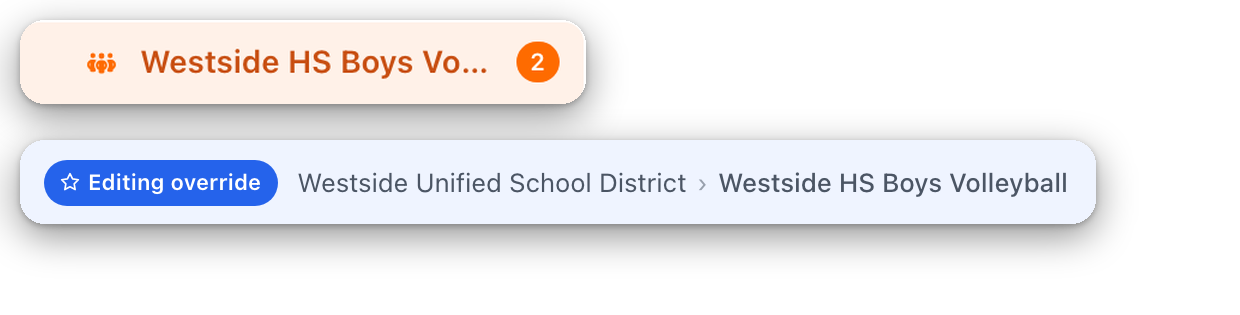
Your department’s notification settings, with any sport that does things differently clearly marked.
Finding someone works the same way. Search once and you’ll find a family in any sport, with every sport they’re part of listed together. When a family moves from a fall sport to a winter one, you can copy them over and check what will change before you confirm it.
What Rostered doesn’t do
We’d rather be upfront about this. Rostered doesn’t book buses or handle district transportation requests. It doesn’t assign, schedule, or pay officials. It doesn’t book facilities or sort out which program gets the gym. And it doesn’t track academic eligibility. It keeps track of the forms families owe you, which isn’t the same list your counselor is working from.
Where to go next
- What is Rostered? explains how it all fits together, and the features page covers each part in more detail.
- What a high school athletic director does all week is the week we had in mind when we wrote this page.
- Import a high school roster from a spreadsheet and how to set up divisions by class year will help you get your department set up.
- Club packages and pricing. Parents and athletes don’t pay anything.