Publish it once.
Everyone has it.
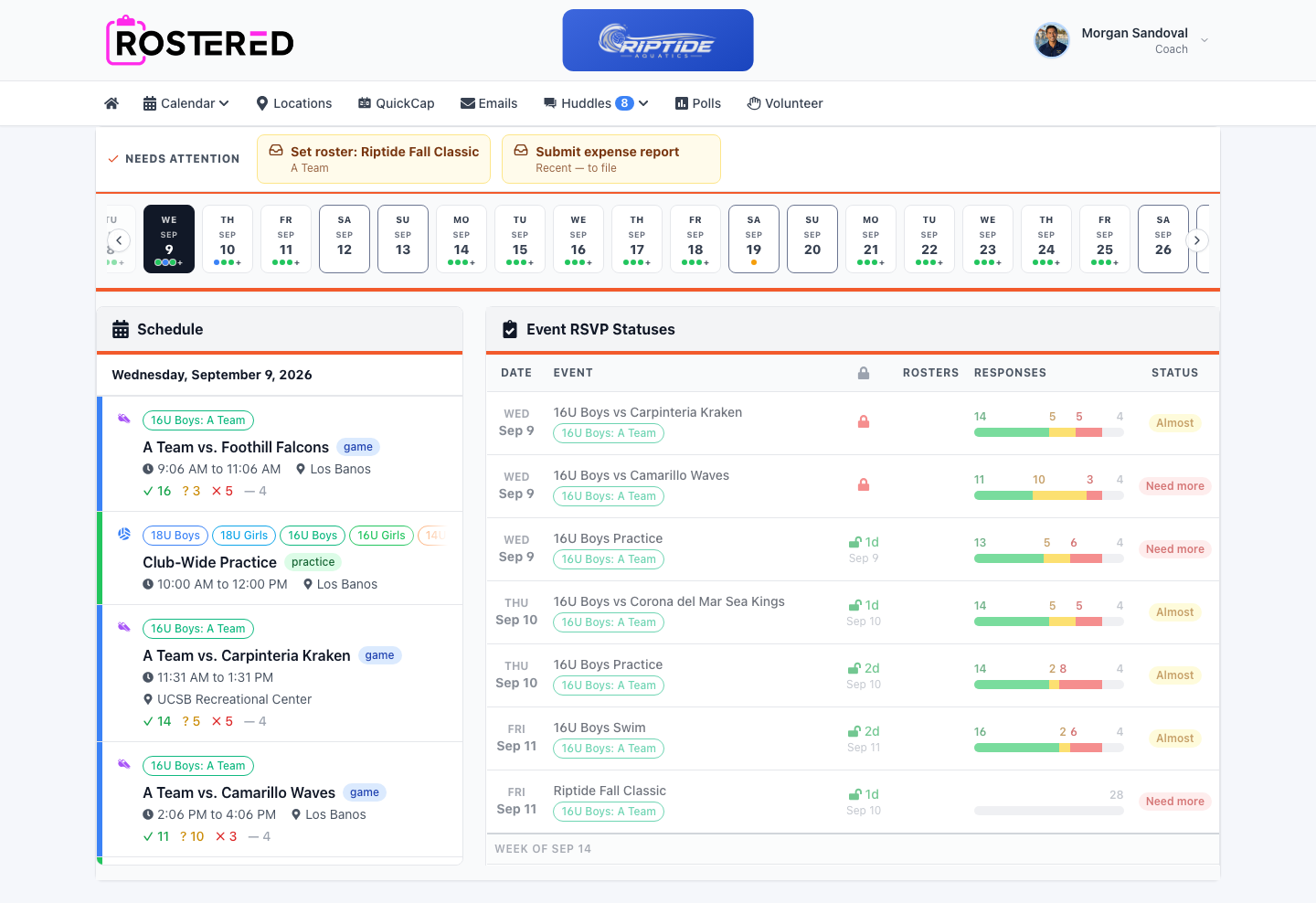
A schedule is only useful if the people who need it are looking at the same version. Rostered holds one schedule for the club, shows each family only what applies to them, and pushes changes out the moment you make them.
How it works
Build the season
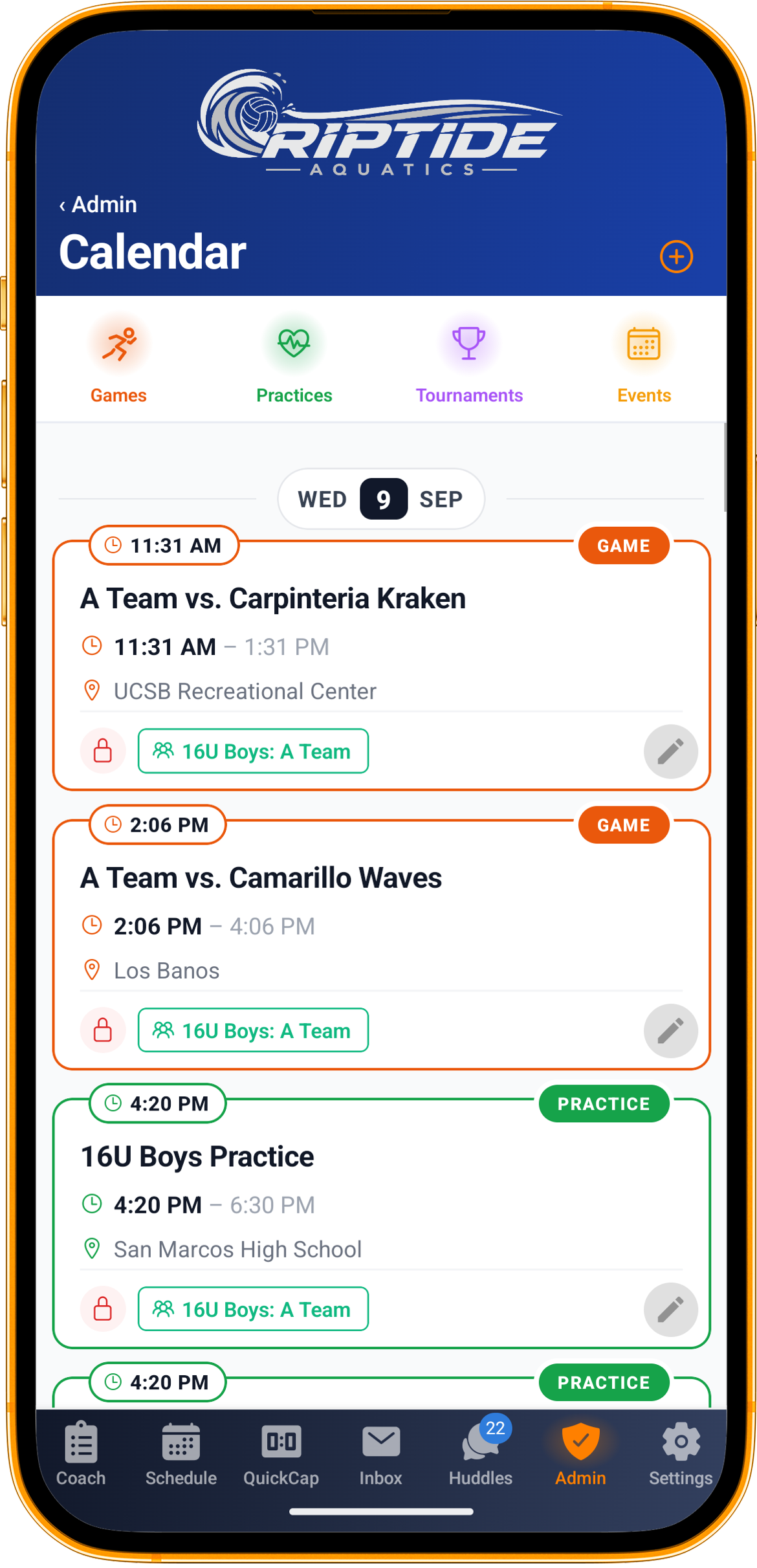
Add practices, games and events at club, division or team level. Import an existing schedule rather than retyping it if you already have one.
Target the right people
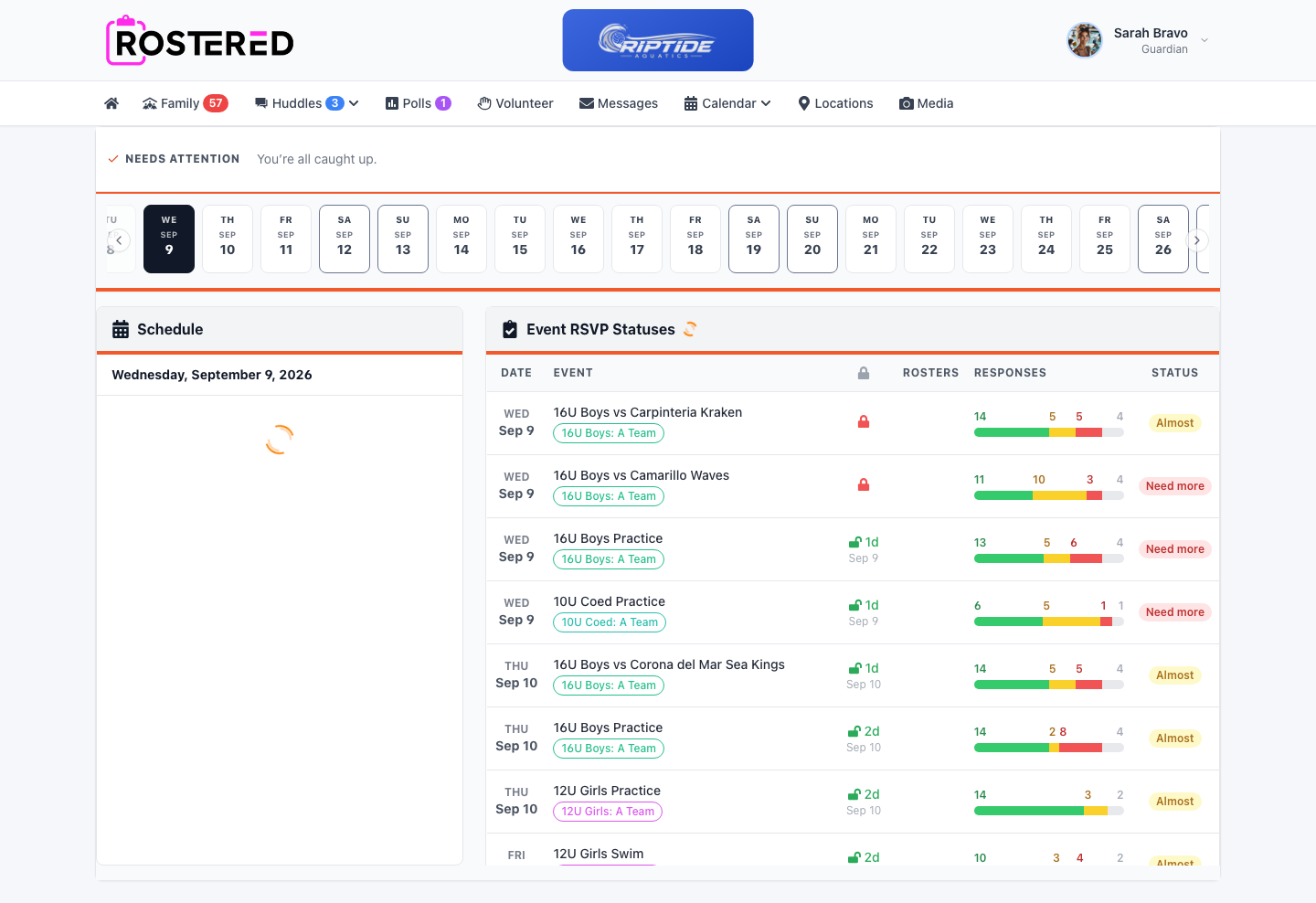
Every event is attached to the teams and athletes it applies to, so a family with two kids in different divisions sees their two schedules and nobody else’s.
Families subscribe once
A calendar feed goes into Google, Apple or Outlook and stays there. No re-importing, no stale copy of a PDF from August.
Change it and move on
Update the event and the subscribed calendars follow. The people affected are notified; the people who are not affected are left alone.
Five ways to slice a calendar feed
Rostered generates calendar subscriptions at five levels: one athlete, a whole family, a team, a division, or the entire club. A parent takes the family feed and gets every child in one calendar. A coach takes the team feed. An administrator takes the club feed and sees everything. Each subscription carries its own link, so revoking or refreshing one does not disturb the others.
Multi-day events that behave like multi-day events
Tournaments and camps run across several days, and availability is rarely all-or-nothing. Rostered treats a multi-day event as the thing it is: families answer per day, per athlete, so a Saturday yes and a Sunday no is a normal answer rather than a phone call to the coach.
Where, when, and what the weather is doing
Events carry their location, and Rostered shows the forecast for that location on the event itself. It is a small thing that prevents a familiar Saturday morning, forty families individually checking whether a field is about to be rained off.
What’s included
- Practices, games and multi-day events at club, division or team level
- Calendar feeds for an athlete, a family, a team, a division or the whole club
- Feeds that keep updating in Google, Apple and Outlook after schedule changes
- Location on every event, with the forecast for that location
- Schedule import, so an existing season does not get retyped
- Works on iOS, Android and any browser, the app is optional for families
Questions
Do parents need the app to see the schedule?
No. Rostered works in any browser, and the calendar feed works in whatever calendar app a family already uses. The mobile apps add push notifications and faster check-ins for families who want them.
What happens to a family calendar when a game moves?
The subscribed feed updates itself. Because families subscribe rather than importing a one-off file, there is no stale copy to chase, the calendar they are already looking at changes.
Can one parent follow two children in different age groups?
Yes. That is what the family feed is for: one subscription covering every athlete in the family, across teams and divisions, in a single calendar.