Scored from
the sideline.
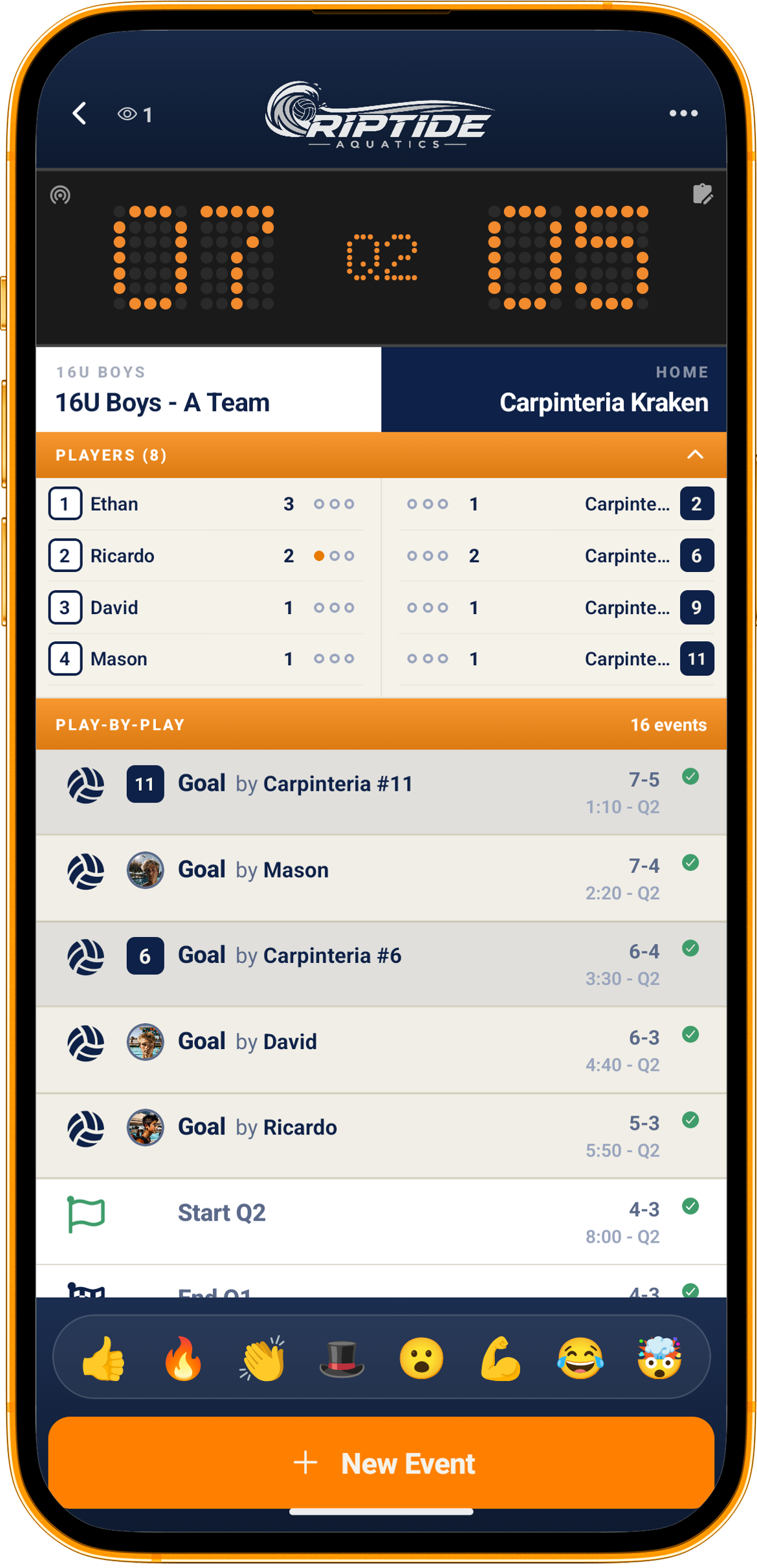
The grandparent three states away, the parent stuck at work, the sibling at another game, all of them want the same thing, which is to know what is happening now rather than at bedtime.
How it works
Set up the game
Pick the event and the roster. QuickCap knows who is playing because the club roster is already in Rostered.
Score as it happens
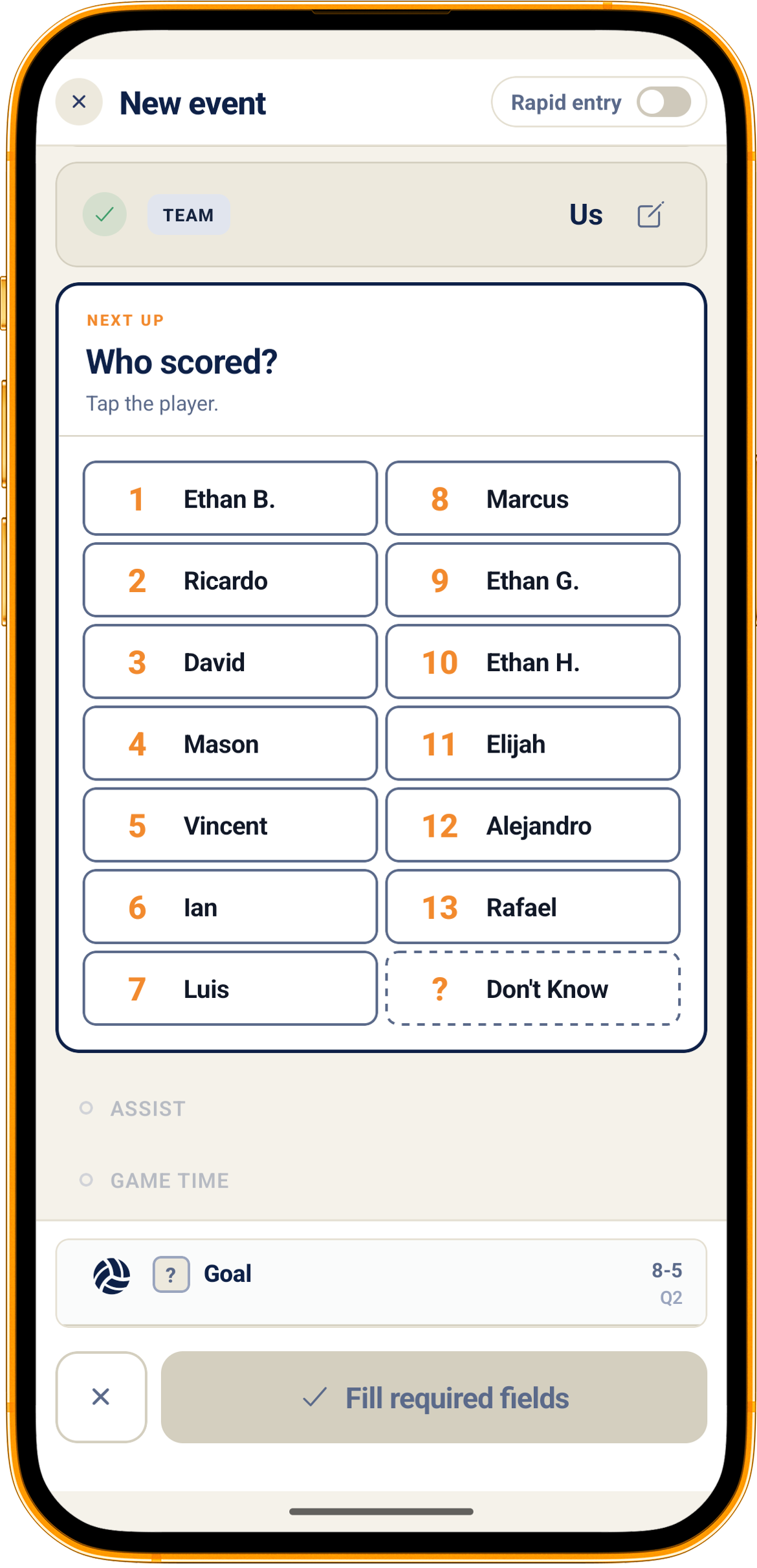
Tap the events as they occur, on a phone, at the field, with one hand and a coffee in the other.
Families follow along
Push updates go out as the score changes, so the people who could not be there are not refreshing a silent page.
The record stays
The final score kept after the whistle, a history you can look back through, and a per-athlete box score once a club admin turns athlete stats on in the club’s settings, instead of a scoreline that lived on one person’s phone.
Anyone you trust can keep score
Scorekeeping is usually whoever is free, and that changes every week. A club member can request scorekeeper access and an administrator grants it, so the parent who volunteered at 9am can be scoring by 9.05 without somebody sharing a password.
The whistle leaves a record, not a memory
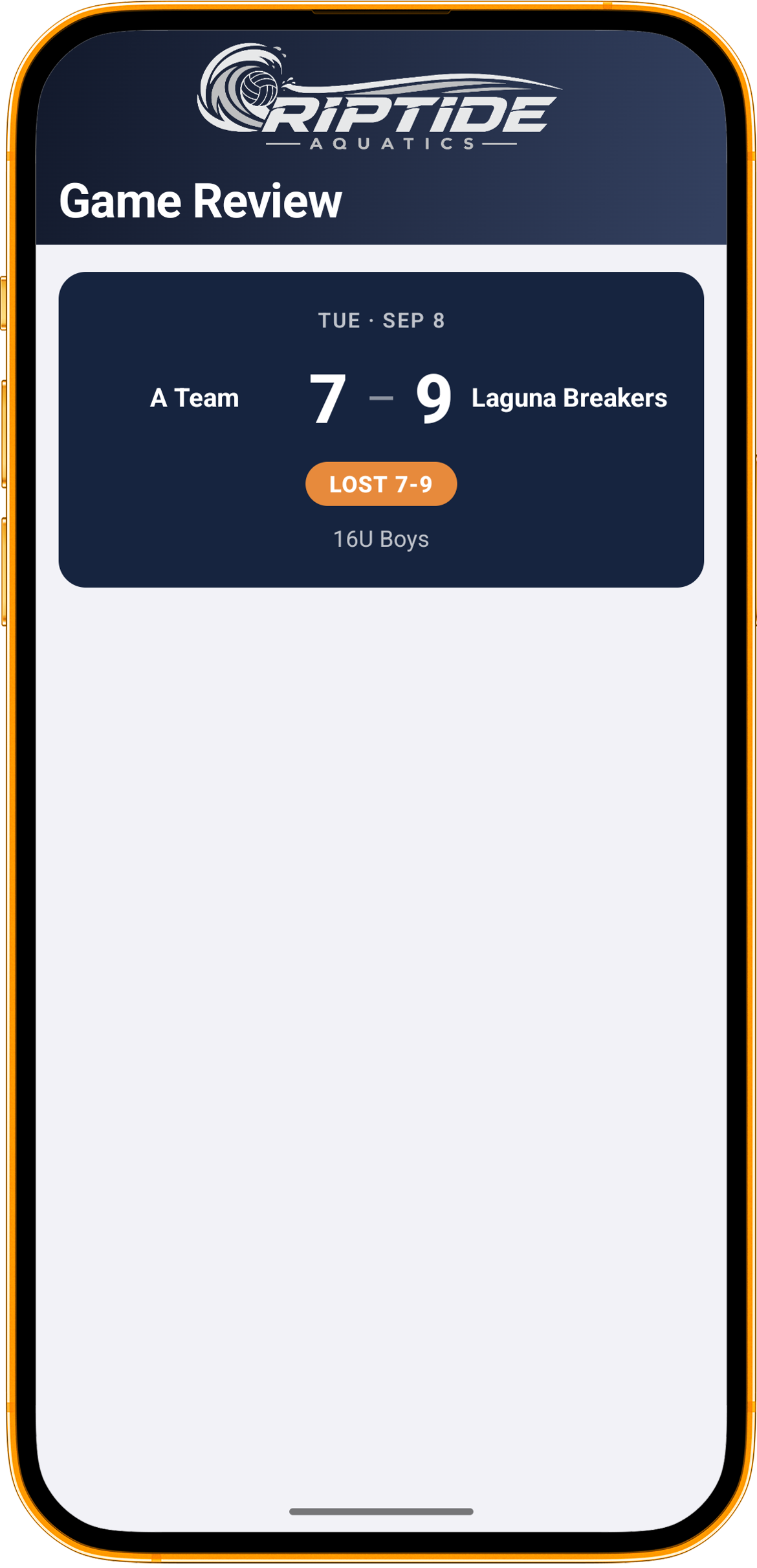
A finished game keeps its own page: the final score, who it was against, and the scoreboard one tap away with the scoring by period. A club admin can turn athlete stats on in the club’s settings, and the same page adds a per-athlete box score, so the record says who did what rather than only how it ended. Either way it is the difference between a season you can look back on and a season that existed only in a group chat that has since scrolled away.
Fans who follow only the teams they came for
A club can let in someone with no athlete of their own, a recruiting family or a sponsor, and they pick the teams they want to follow. They see those games and the tournaments those games belong to, and nothing else: not a team’s practices, not the rest of the club’s week.
Share Rostered with another team
The public scoreboard carries a link that gives the club you pass it to a free month. It is the club arriving that gets it rather than you, and it counts instead of the trial they would have had, not on top of it. A parent, a coach, a coordinator or an admin can send one; an athlete’s own login, a fan and a scorekeeper cannot.
Every game, still there in March
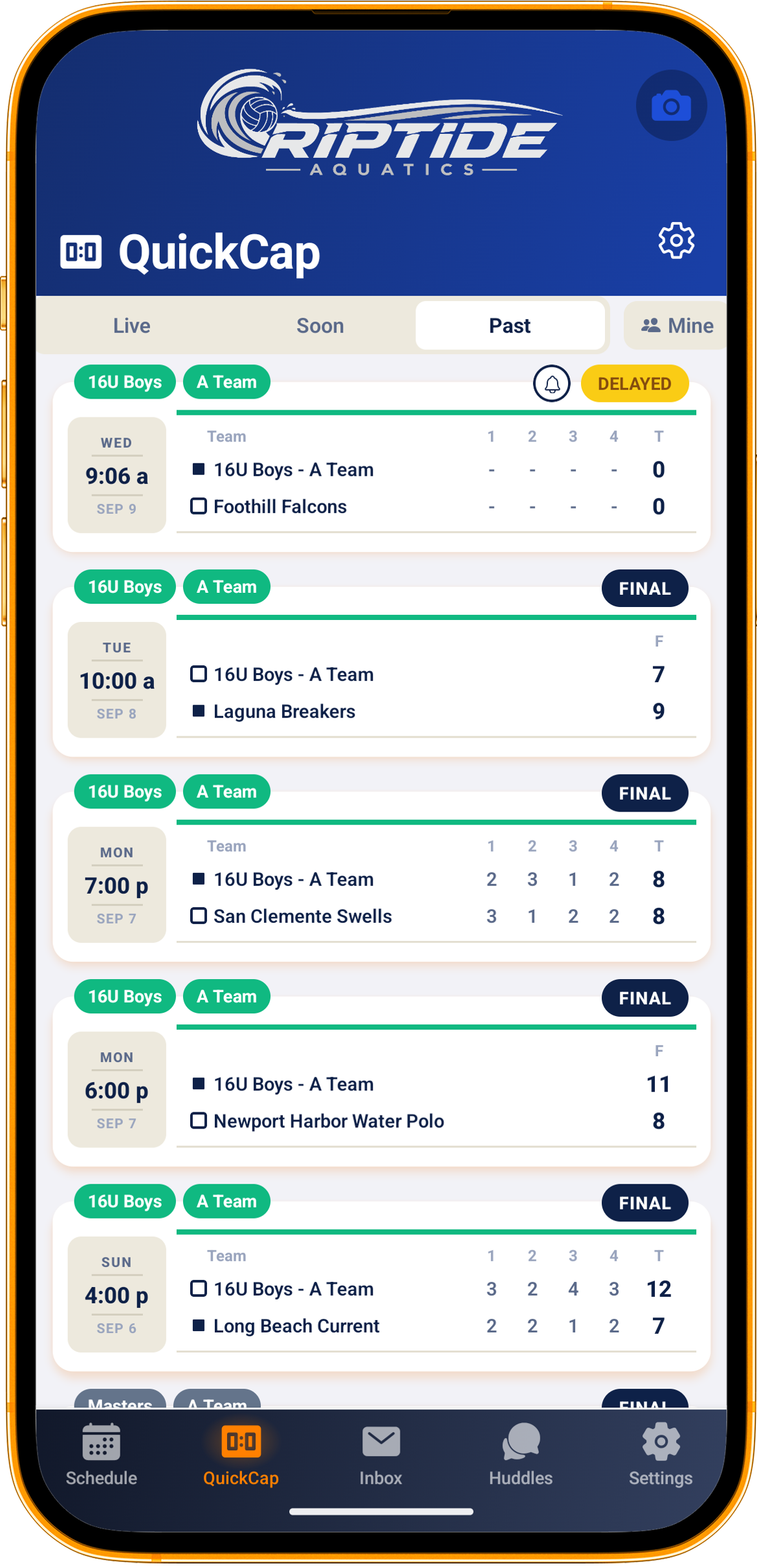
Past games stay available, so end-of-season awards, a parent settling an argument, and a coach reviewing a pattern are all just looking things up rather than reconstructing them.
What’s included
- Scoring from the sideline in the iOS and Android apps
- Families following live in the app or on the web
- A shareable scoreboard link for friends and family outside the club
- Push updates to families as the score changes
- Scorekeeper access requested by a member and granted by an admin
- The final score kept after the whistle, with the scoring by period on the scoreboard
- A per-athlete box score on a finished game, once a club admin turns athlete stats on in the club’s settings
- Game history that stays available across the season
- Rosters already in place, because the club is already in Rostered
Questions
Who is allowed to score a game?
Whoever the club approves. A member can request scorekeeper access and an administrator grants it, which is how the job usually gets filled, by whichever parent is free that week.
Do families need to be at the game to follow it?
No. That is the point. Push updates go out as the score changes, for the people who could not be there.
Is live scoring available for our sport?
QuickCap supports a range of team sports and the catalogue keeps growing. If yours is not covered yet, tell us, demand is what moves it up the list.