One family,
one account.
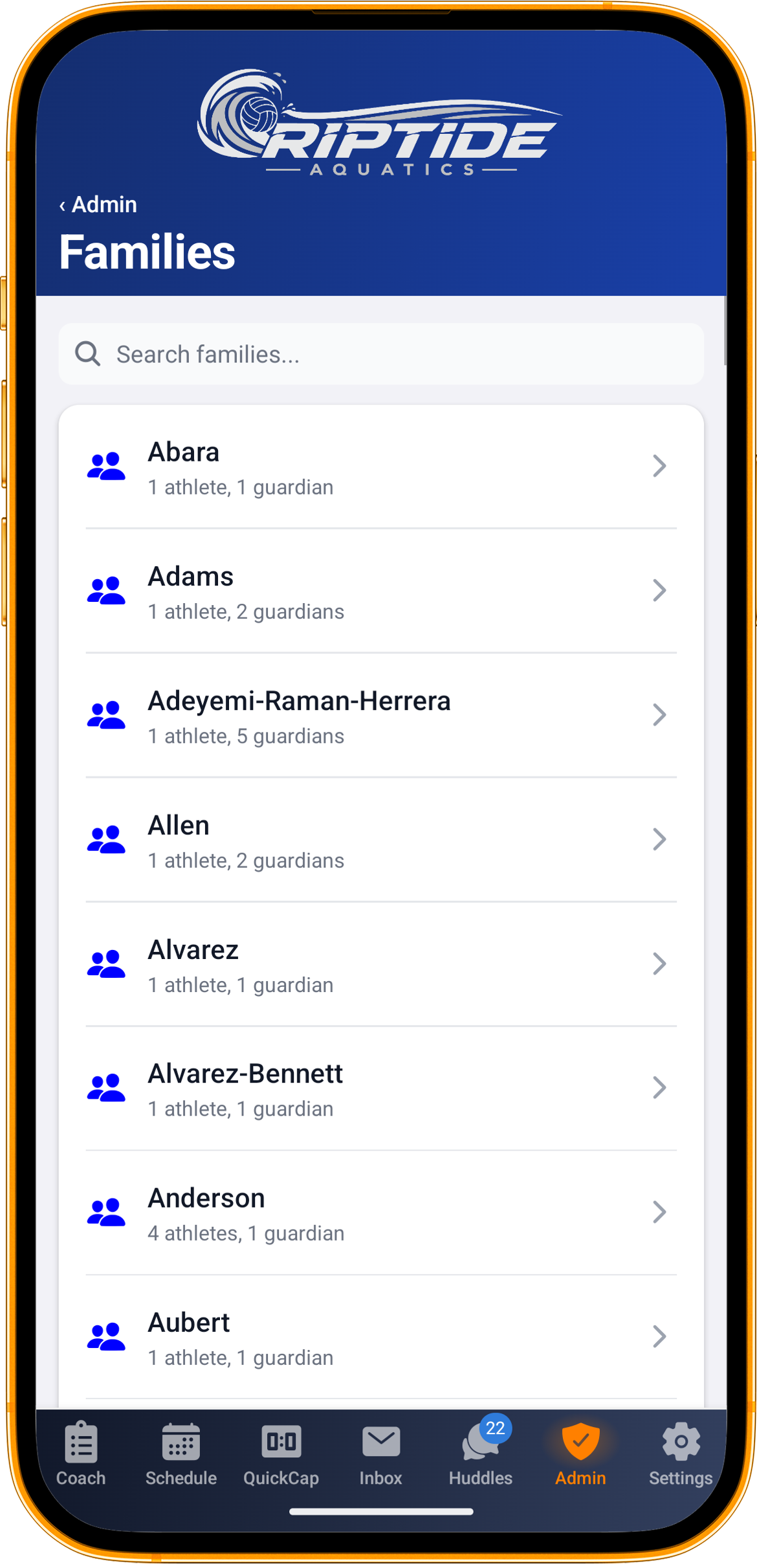
Most club software models teams and treats families as an afterthought, which is why a parent with three kids ends up with three logins. Rostered models the family, because that is the unit that actually turns up.
How it works
Bring what you already have
Import a spreadsheet, with a mapping step and a preview, so you see what is about to be created before it is created. Or send your families a link and let them fill in their own details for you to review.
Structure the club
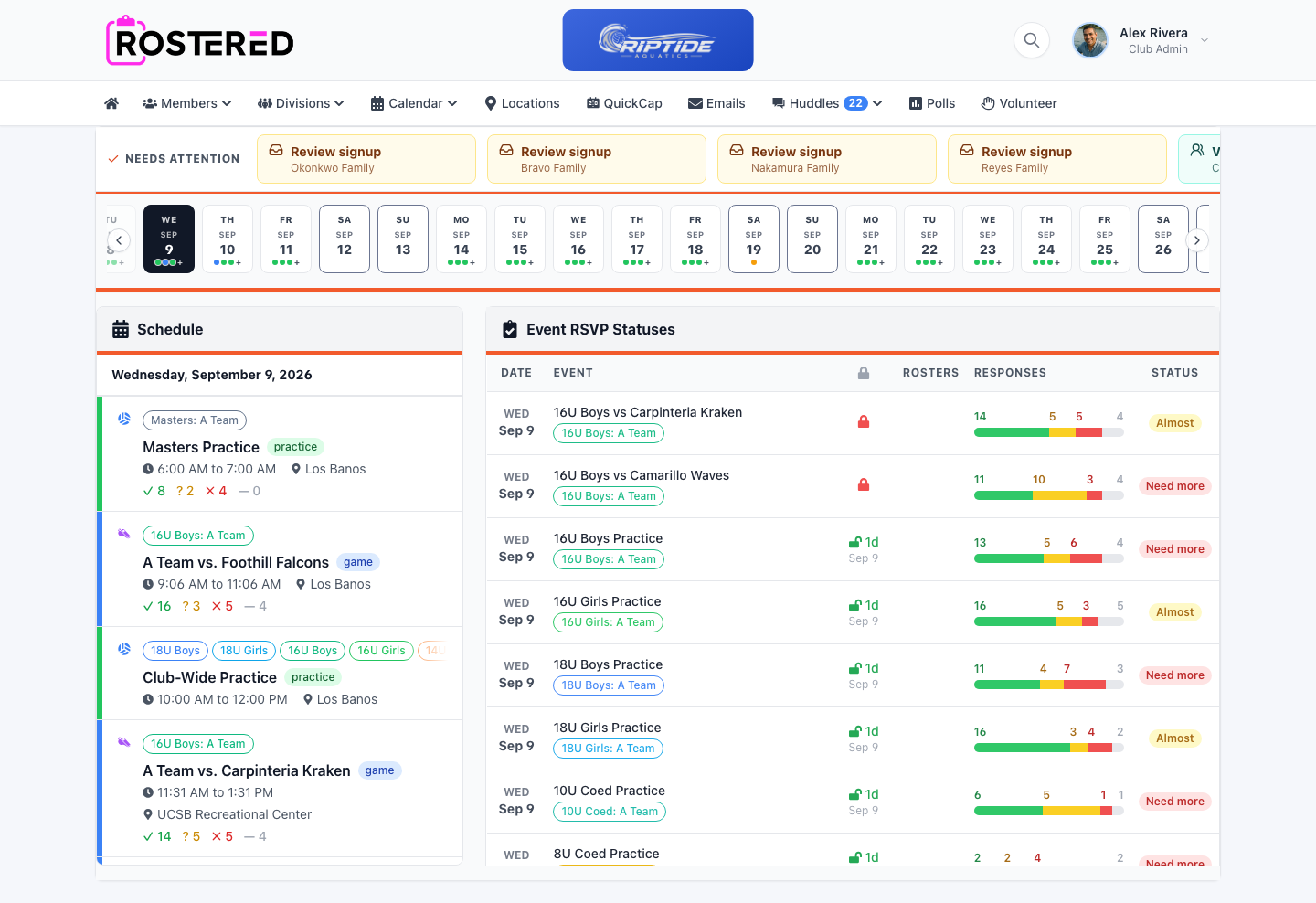
Divisions, teams and cohorts, so a club of two hundred athletes is navigable rather than one enormous list.
Link the families
Athletes belong to families; families contain multiple athletes and multiple guardians. Rostered suggests links it can see, and an admin confirms them.
Keep it current mid-season
Players move up, guardians change email addresses, someone’s sister starts in January. Editing that is a normal Tuesday, not a data migration.
A parent signs in once
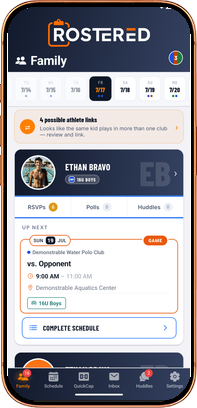
One account, every child, across every team and division in the club. The schedule they see is their family’s schedule, the RSVPs they answer are per athlete, and the calendar feed they subscribe to covers the household. Nobody has to explain to a parent why they need a second login for their second child.
Imports you can check before you commit
A roster import is the moment a club decides whether to trust a new system, so it is not a black box. Map your columns, preview the result, and control whether welcome emails go out, useful when you are moving a club in July and do not want two hundred families notified on a Sunday.
The roster a coach actually needs
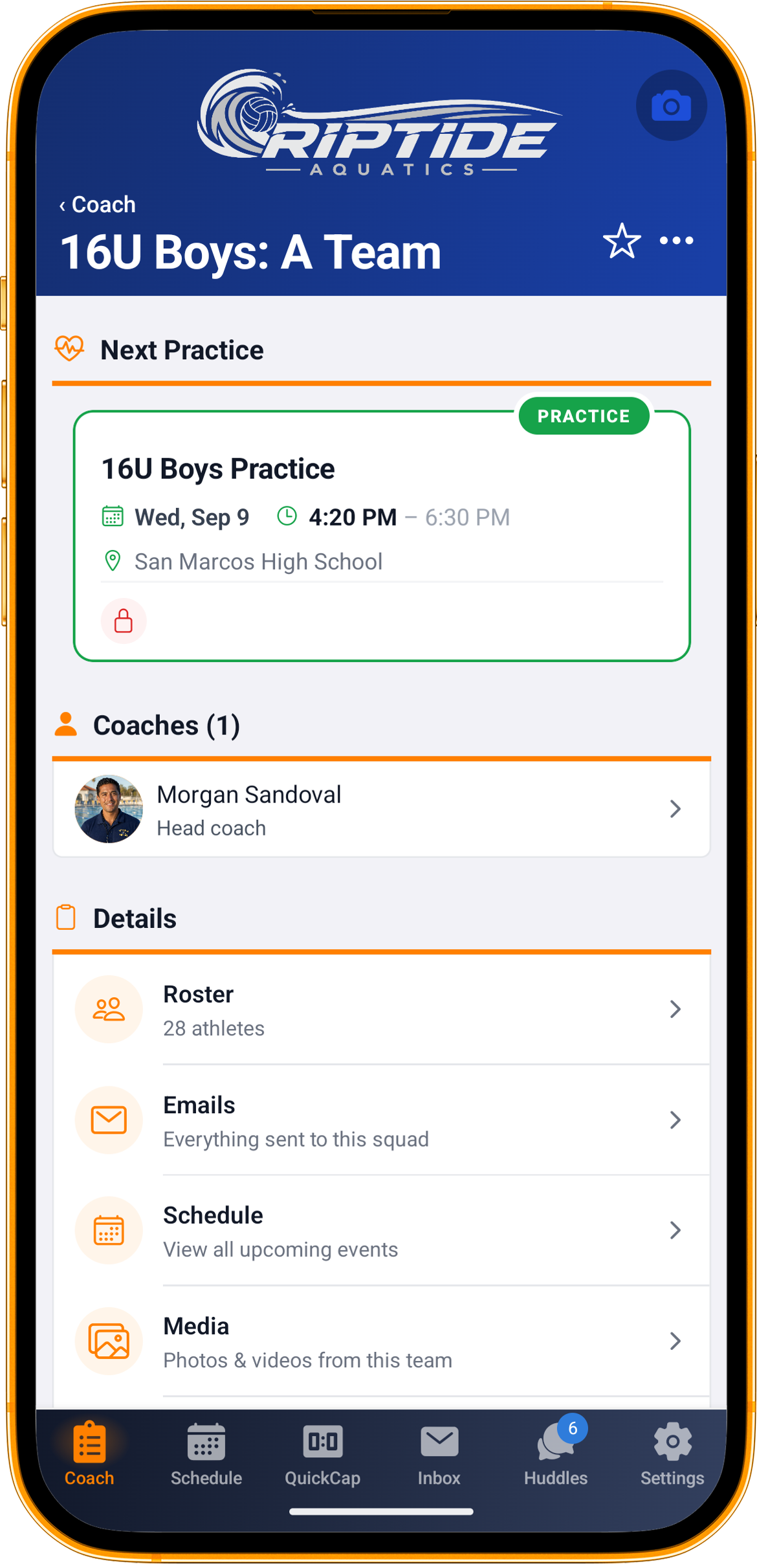
Jersey numbers, positions, guardian contacts and who is on which team, on a phone at the field. A coach looking for a parent’s phone number two minutes before kickoff should not be scrolling a spreadsheet in a parking lot.
What’s included
- Divisions, teams and cohorts for clubs bigger than one squad
- Families as records: multiple athletes, multiple guardians, one login
- Import a spreadsheet, with column mapping and a preview
- Control over whether import welcome emails are sent
- Suggested family links for an admin to confirm
- Jersey numbers, positions and guardian contacts on the coach’s roster
Questions
We are coming from SportsEngine. Do we retype everything?
No. Export your roster from SportsEngine and import that spreadsheet, with a mapping step and a preview so you can check the result before anything is created. You can also type a roster in, or send your families a link and let them fill in their own details.
Does a parent with three children need three accounts?
No. One account covers every athlete in the family, across teams and divisions.
Can we control whether families get emailed during an import?
Yes. Welcome emails are a choice at import time, which matters when you are migrating a club out of season.